Install your quiz on your Shopify website
The easiest way to add a quiz to your Shopify store is the Fyrebox block, which you place directly in your theme. No code and no HTML editing.
Step 1. In your Shopify admin, go to Online Store > Themes and click Customize.
Step 2. Go to the page where you want the quiz, click Add block, and choose Fyrebox quiz under Apps.
Step 3. Select the block, then paste the Shopify link from the Publish page of your quiz into the Quiz link setting.
Step 4. Save, then visit your store to check that your quiz appears correctly.
Show the quiz as a pop-up instead
To have your quiz open in a pop-up rather than sit on the page, go to Theme settings > App embeds in the theme editor and turn on Fyrebox popup quiz. Paste your quiz link there and choose how and when it opens.
If your theme does not offer the Fyrebox block
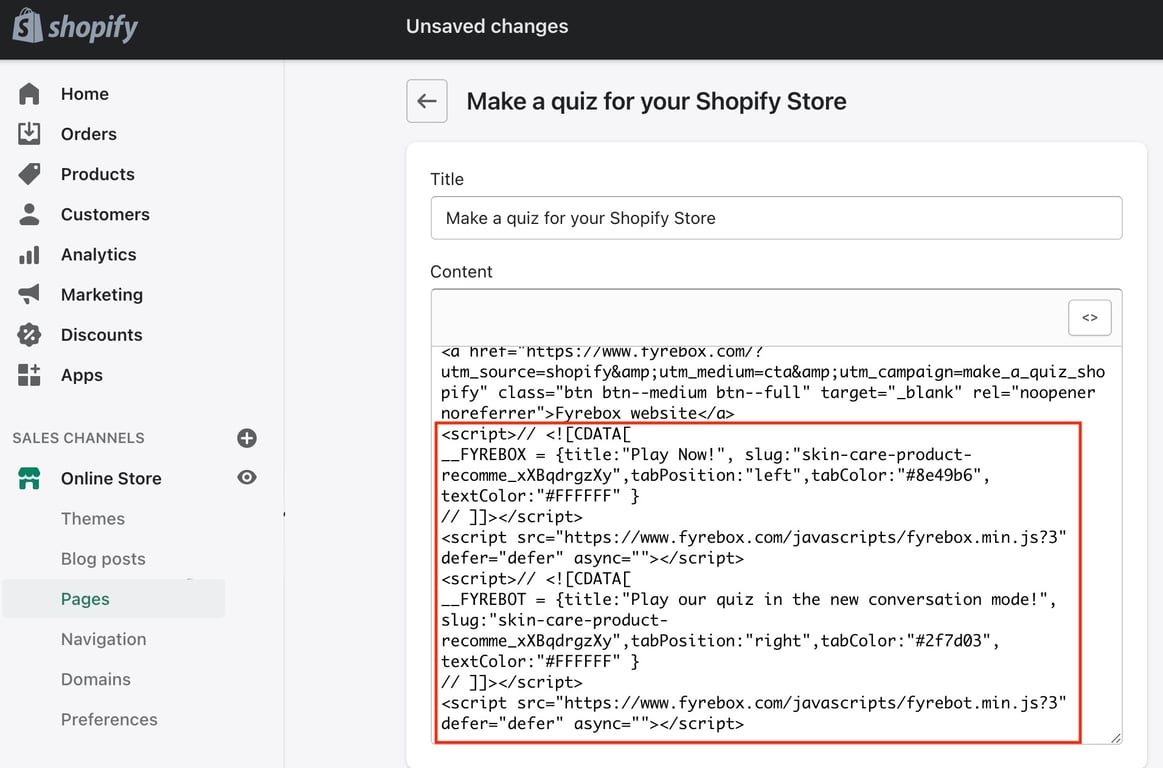
Older Shopify themes cannot use app blocks. If Fyrebox does not appear under Apps when you click Add block, paste the embed code from your Publish page into a page instead, as shown below.
Step 1. Visit the admin section and click on "Online store"
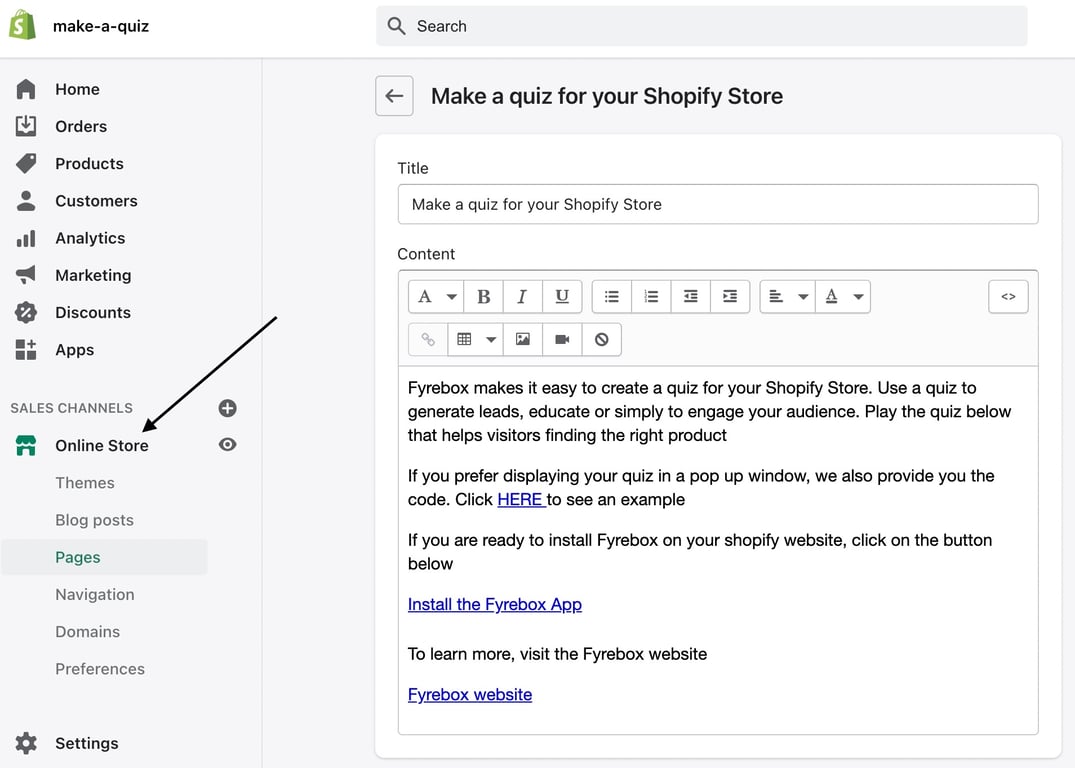
Step 2. Click on "Pages"
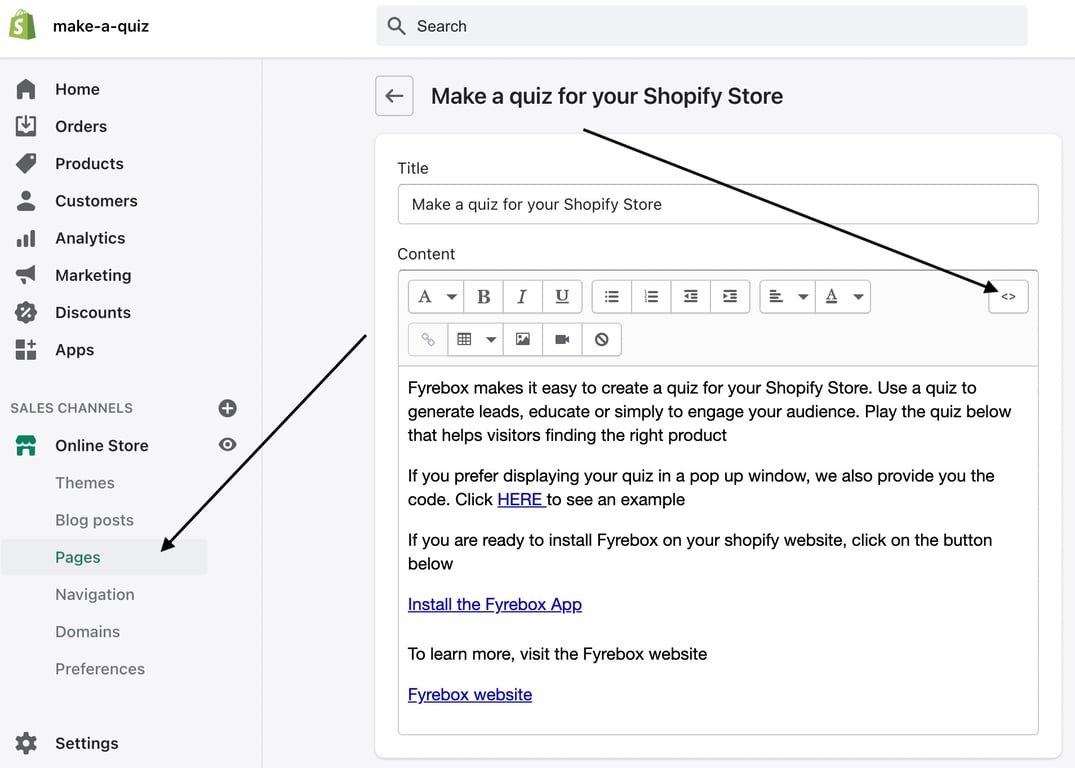
Step 3. Click on the page where you want to display your quiz. Click on the HTML button, and paste the code of your quiz.